Hello to all,
This VisualNeo™ plugin allow you to put Zoom objects attached to rectangles on your publications. This Zoom objects can magnify the screen image under the user cursor. You can customize every Zoom objects in various ways. You can put every Zoom objects you needs, and, since this objects are placed on VisualNeo™ rectangles, you can use the Zoom objects in a Custom Window, in a Dialog Window or just any place on your publication pages.
Press here to get more information and download the NeoPlugin npZoom!
Hello to all,
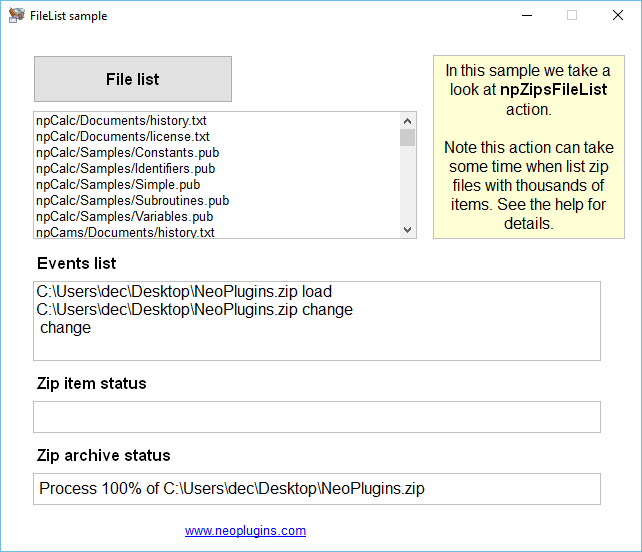
This plugin allow you to open, write and perform other operations on PKZIP-compatible files. You can add files, extract files, and make other operations on one or more zip files at a time. And with all the control with the plugin provided events. The plugin is intended to allow you to compress and decompress zip files from your publication in an easy way, offer actions to open, save, close, add, extract, abort operations, and more. And also provide a lot of subroutine events for every zip operations needs.
Press here to get more information and download the NeoPlugin npZips!
Hello to all,
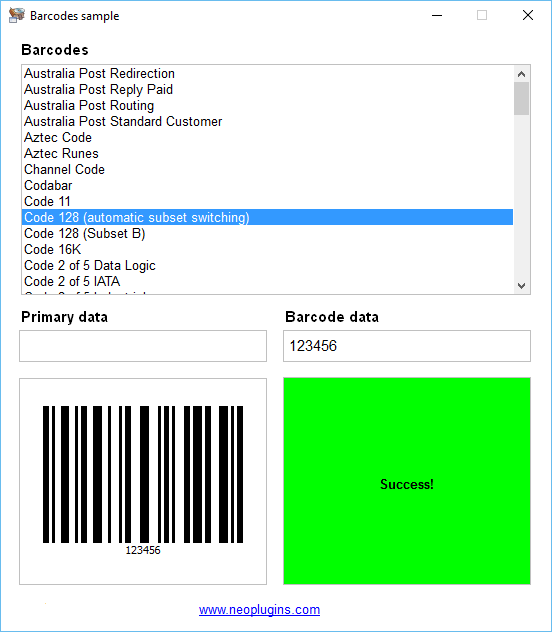
This plugin for VisualNeo™ allows you to generate and save into Bitmap images up to 82 barcode symbols. The plugin support dozens of 1D and 2D barcodes and you can generate it easily specifiying lot of general and specific symbols options. The plugin provide you with actions to list the names of all available barcode symbols, generate barcodes and, optionally, set the appropiate options for that symbols. This plugin do not require any thirdparty library or DLL in order to work.
Press here to get more information and download the NeoPlugin npZint!
Hello to all,
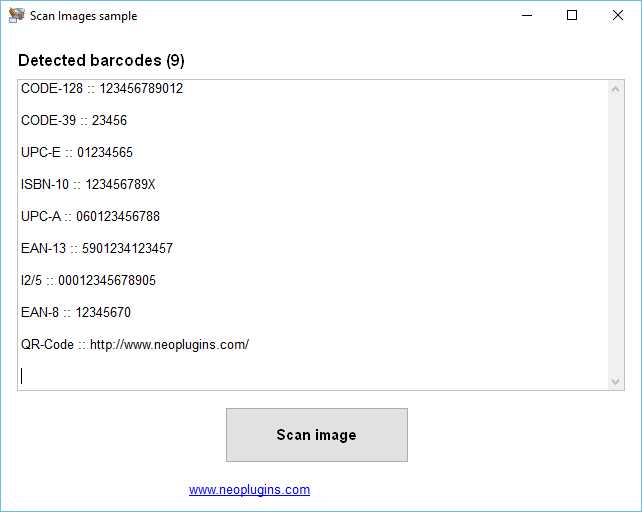
This plugin allows you to easy scan BMP, JPG and PNG image files searching for one or more barcodes inside. The currently supported barcode symbols are I25, EAN 8, EAN 13, UPC A, UPC E, ISBN 10, ISBN 13, CODE 39, CODE 128 and QR Codes barcodes. You can create one or more ZBar objects and use different events or share between object instances. Very easy to use by scanning BMP or JPG images and firing the appropiate event subroutine when one barcode are found inside the scaned image.
Press here to get more information and download the NeoPlugin npZbar!
Hello to all,
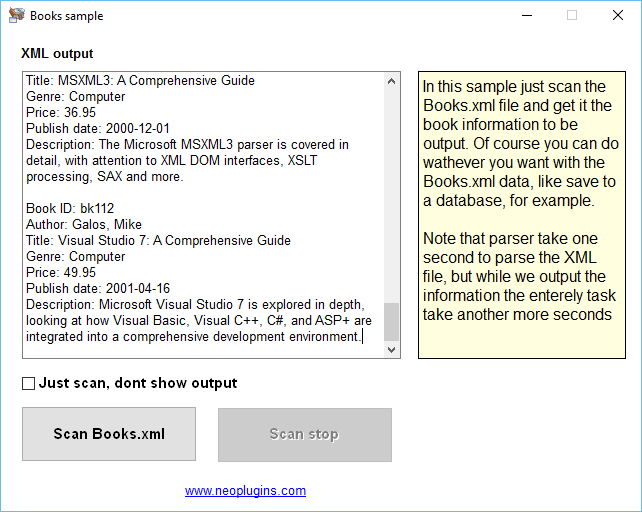
This plugin allow you to scan any XML string or file (even HTML) taking the control of all possible XML parts. Events are fired when the scanner found DTD attributes, CData content, elements content, XML comments, DTD definitions (even externals), start, end and empty tags, notations, proccessing instructions, etc.
You can scan a separatelly XML string or scan a complete file. And you have complete information about the scan progress. The plugin include three samples that show how to scan an XML Books colletion, another that scan an RSS feed, and finally another that take the links data from an HTML file.
Press here to get more information and download the NeoPlugin npXmls!
Hello to all,
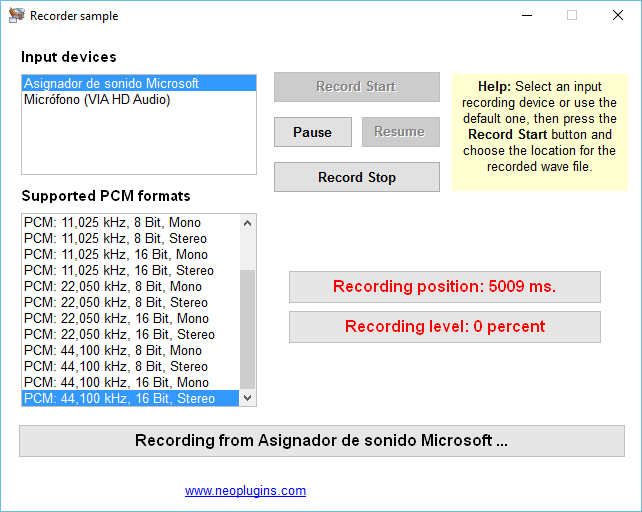
With this plugin you can treat with WAVE files from your publications. For example, you can play and record WAVE files in an easy way, taking all controll of the proccess, and get notifying for all player and recorder events.
You can play WAVE files to all of availables system output devices, and also you can record WAVE files from all availables system input devices, not only from a microphone, for example you can record WAVE files from the computer sound cards.
Also this plugin allow you to create various instances of player and recorder objects, so you can deal with differents player and recorder separatelly: every object have their own properties and events. Last but not least, the plugin have various general WAVE related actions.
Press here to get more information and download the NeoPlugin npWave!
Hello to all,
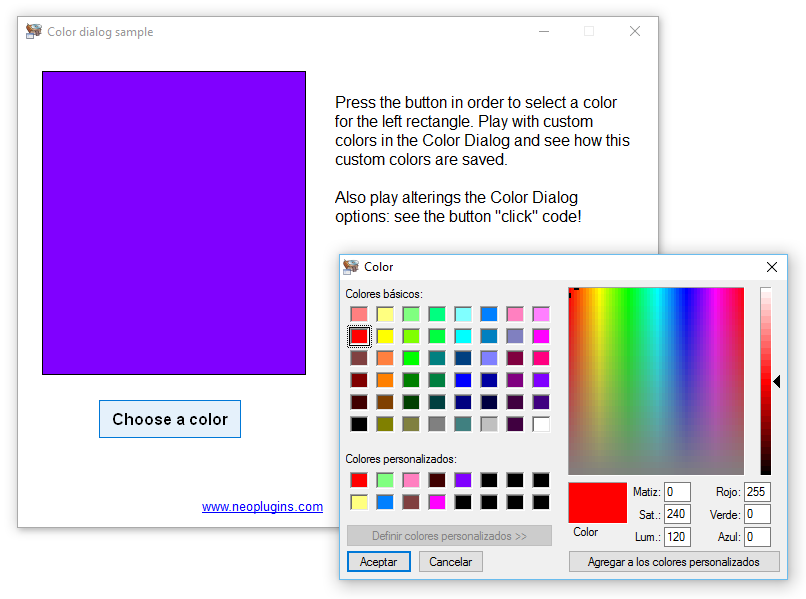
This plugin have a miscellanea collection of useful actions that cannot be missing on your publications. The plugin have some common and more or less advanced Strings actions, Publication actions, System actions, Files actions, Monitor actions, Dialogs actions, Graphics actions and more! Useful everytime and everyday.
The plugin has dozens of string related actions; extend and enhance native VisualNeo™ actions like "SetVar", "ClearVariables" and "SaveVariables"; allow you to deal with files and directories; contain useful system power related actions; can make screen or desktop captures and many, many more. Really this plugin can be considerer a very good swiss army knife.
Press here to get more information and download the NeoPlugin npUtil!
Hello to all,
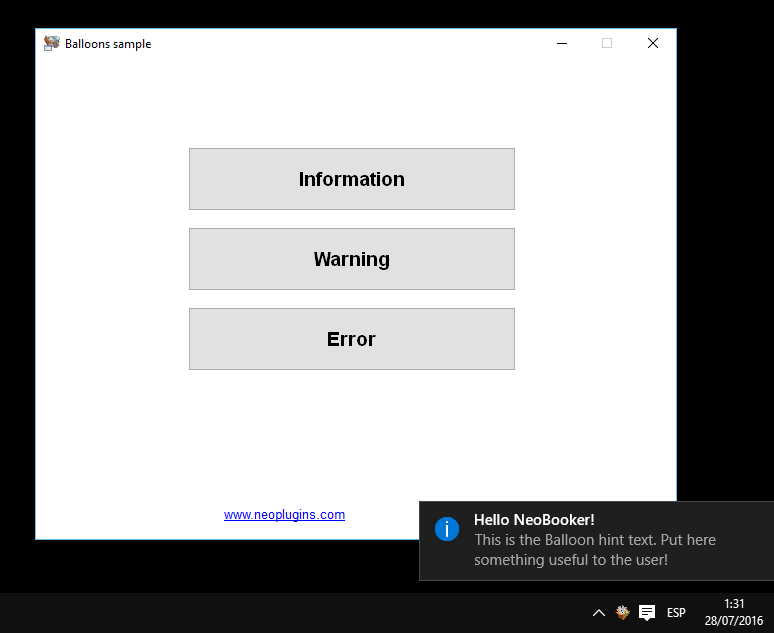
This plugin allow you to put one or more Tray Icons for your VisualNeo™ publications. You can create more than one Tray Icon from the same publication. Every Tray Icon can be controlled separatelly and can have menus and submenus, balloon hints, etc. The Tray Icons support Popup menus with items and subitems, you can conform complex Popup menus, including the use of optional images for every item and subitem. The plugin include events to notify you about Tray Icon, menu items and balloon hints clicks, etc.
Press here to get more information and download the NeoPlugin npTray!
Hello to all,
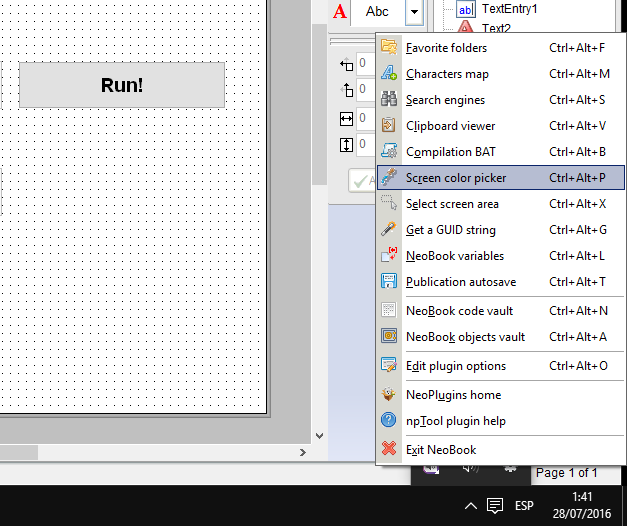
This plugin is designed to be useful for you at designtime, that is, not when your publications run, but when you work on your publications under the VisualNeo™ IDE. The plugin put a tray icon and menu visible when you run the VisualNeo™ program. Enjoy it! Favorite folders, Characters map, Search engines, Clipboard viewer, Compilation BAT, Screen color picker, VisualNeo™ code vault,... this utilities are availables to you not only from the VisualNeo™ Window, but in a system wide way, using the customizables hotkeys.
Press here to get more information and download the NeoPlugin npTool!
Hello to all,
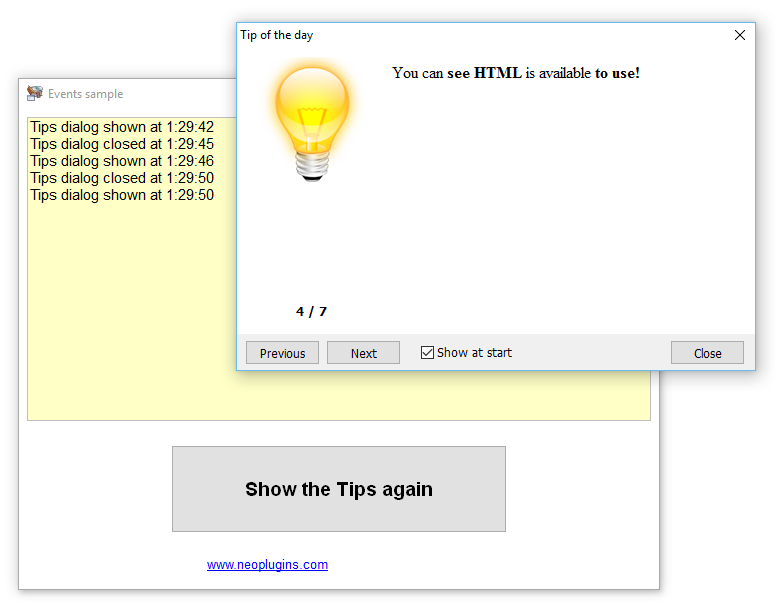
With this easy to use plugin you can shown to your publication users a fully personalized Tips Of The Day dialog which can include useful tips in order to make a better use of your publication. You can specify the Tips adding items separatelly or loaded all from a file. HTML is available, and also CSS style to be applied to this HTML. The Tips dialog can be translated to other languages too.
Press here to get more information and download the NeoPlugin npTips!
Hello to all,
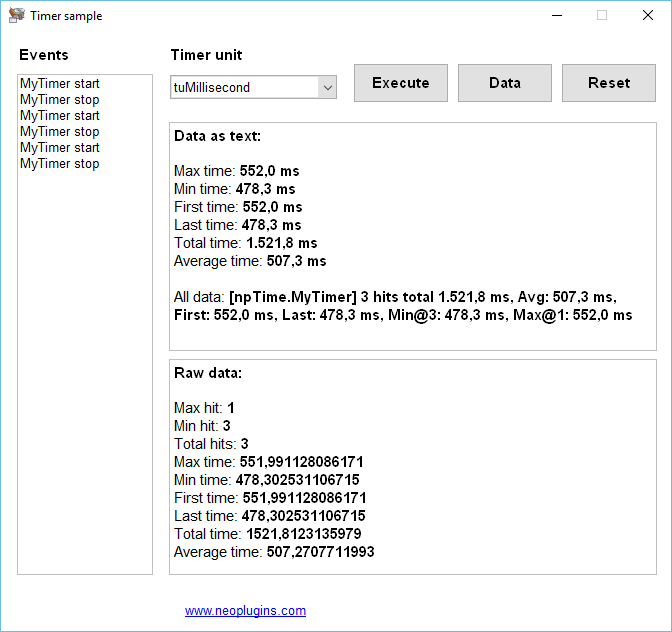
This plugin allow you to get the measure execution of your publication source code in an easy way. Simply use the Profiler Timers that you want and get a lot of information around the source code execution. Each Profiler Timers provide a lot information. The number of times that the timer was activated (hit count), the total execution time, the average execution time on each hit, execution time on the first hit, execution time on the last hit, the hit with minimum execution time and the hit with maximum execution time.
Press here to get more information and download the NeoPlugin npTime!
Hello to all,
This plugin allow you to use the Tesseract OCR (Optical Character Recognition) engine in your publications, allowing to several page segmentation and other options in order to get the best possible results from BMP, JPG, PNG, GIF and TIFF images. You can instantiate one or more Tess objects in order to do the work, and specify several events in order to control the text recognition task process. With the plugin are included all the files needed to be deployed along your publications.
Press here to get more information and download the NeoPlugin npTess!
Hello to all,
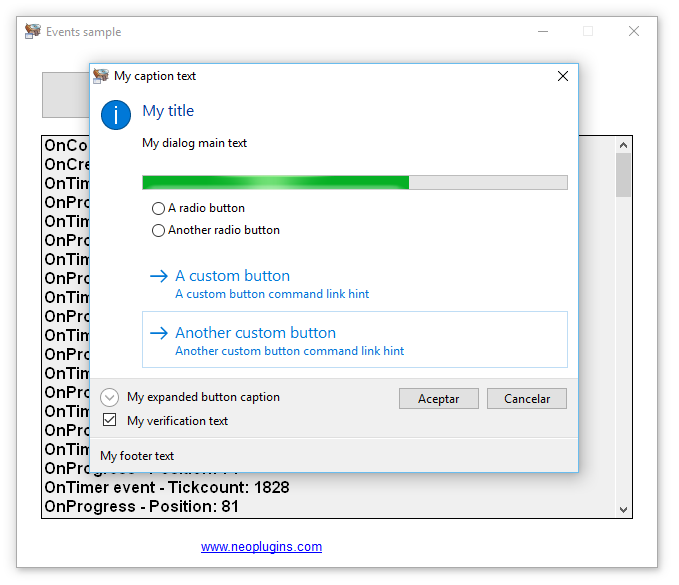
This plugin allow you to use the Windows™ Vista (and above) task dialog control, that can be used to display information and receive simple input from the user. Like a message box, it is formatted by the operating system according to parameters you set. However, a task dialog has many more features than a message box. The plugin allow you to create many instances of task dialogs, control them with lots of events, customize with dozens of options, buttons, radios, etc., etc.
Press here to get more information and download the NeoPlugin npTask!
Hello to all,
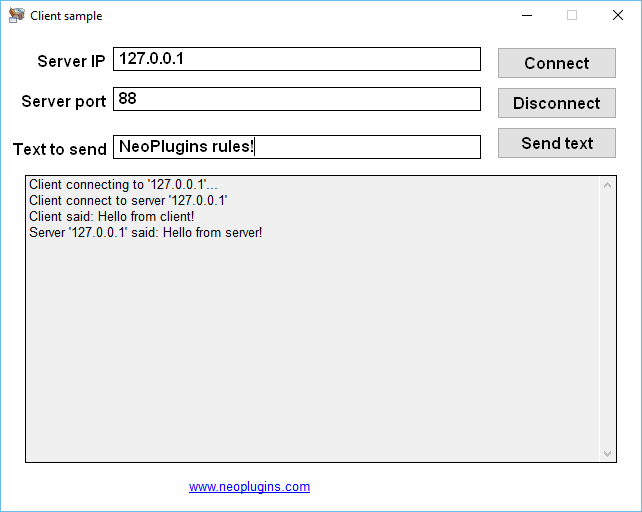
This plugin can turn your publications into simple and easy to use TCP/IP servers and clients. You can prepare your publication to act like a server, a client or both at the same time, allowing you to send ASCII text from servers to clients and viceversa. The plugin is based on the native and well tested Windows™ Winsock(tm) and don't require any thirdty party file or DLL. Follow the philosophy of my other npMsgs plugin, but in this case you can communicate publications situated on differents computers around the world.
Press here to get more information and download the NeoPlugin npTalk!
Hello to all,
This plugin is an implementation of one of the most used classes in the Delphi world: TStringList. This class is useful in various ways and, basically, maintain string lists on memory that you can manipulate using the appropiate actions.
You can maintain strings list allowing duplicated or not, search for strings, add, append, insert, delete; use pairs of names and values, get or set the whole text delimited or not, saved and load strings to/from files, get advised when the strings changes...
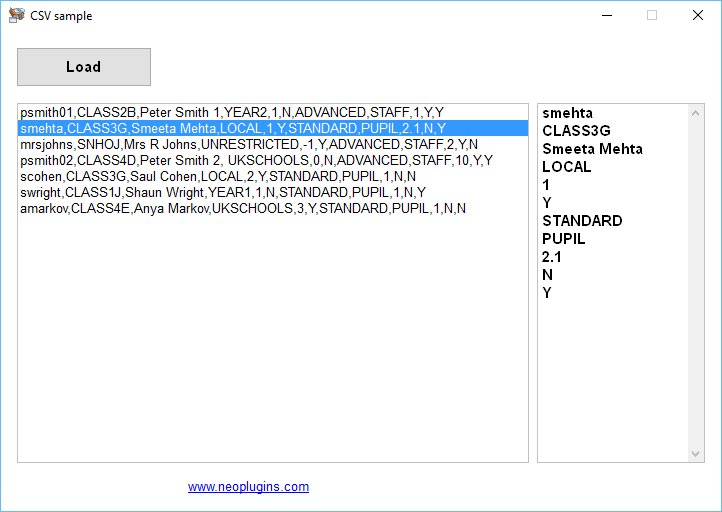
You can sort the string lists, and maintain sorted in memory (even when add new items), can specify the delimiter and quote character, for example, in order to import/export information from CSV (Comma Separated Values) or similar files and many more.
Press here to get more information and download the NeoPlugin npStrs!
Everybody can read the DecSoft support forum for learning purposes, however only DecSoft customers can post new threads. Purchase one or more licenses of some DecSoft products in order to give this and other benefits.
 Posts by DecSoft
  Design for small screen devices but deploy also (without changes) in larger devices like tablets.
  Create modern HTML apps and games at another level making things impossible to do even by modern HTML apps and games.
  Take a look at our YouTube channel and subscribe to be notified about new videos!
  DecSoft NeoPlugins put your VisualNeo projects into another level with +1,000 new actions for your apps.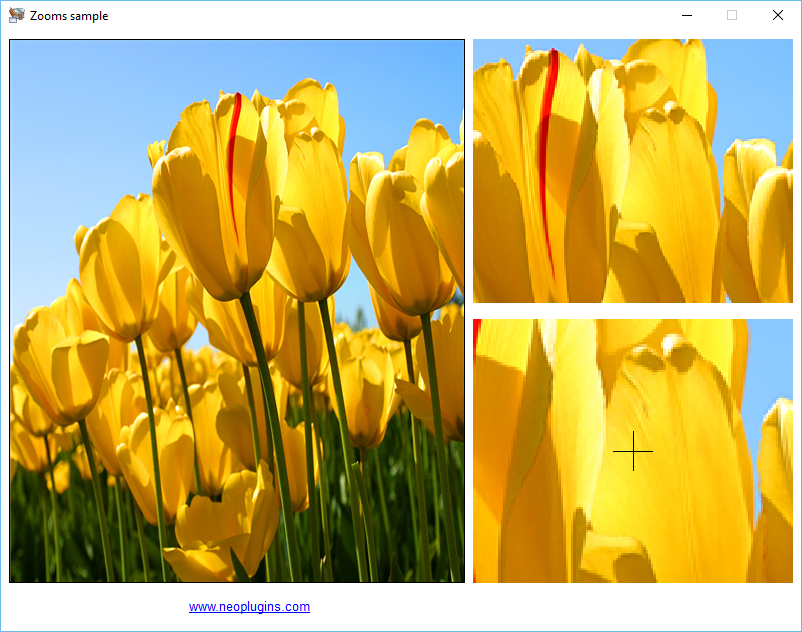
 DecSoft Feeds