Hello to all,
This plugin allow you to show presentations, images transitions objects into your publication. Set lots of transitions options. Control everyhing with the transitions events, and get fun (and serious) with up to 173 availables transition effects. You can create one or more transitions objects instances and starts it at the same time.
Transitions can be stretched, proportional, centered, autosized, reversed, cleared, over drawed, etc. Can set Shows objects background images in various ways, color and frame properties. You can start and stop transitions manually or automagically. Support BITMAP, JPEG and Metafile image formats. Very easy to use, but complex too.
Press here to get more information and download the NeoPlugin npShow!
Hello to all,
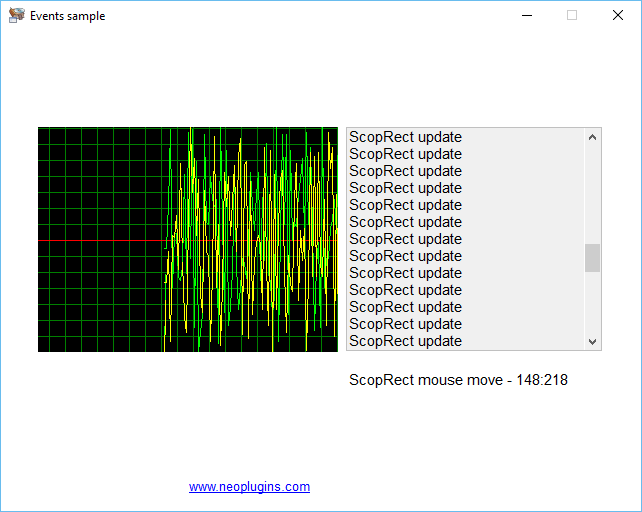
This plugin allow you to use fully customizables scope, wave or spectrum data plotting controls on your publications. More than one control can be used, specify their options, colors and events separatelly. Play with the scope controls with absolute or percentage values, determine the scope colors and options, set the appropiate scope events, and add one or more scope lines with their own name, unit, color and position.
Press here to get more information and download the NeoPlugin npScop!
Hello to all,
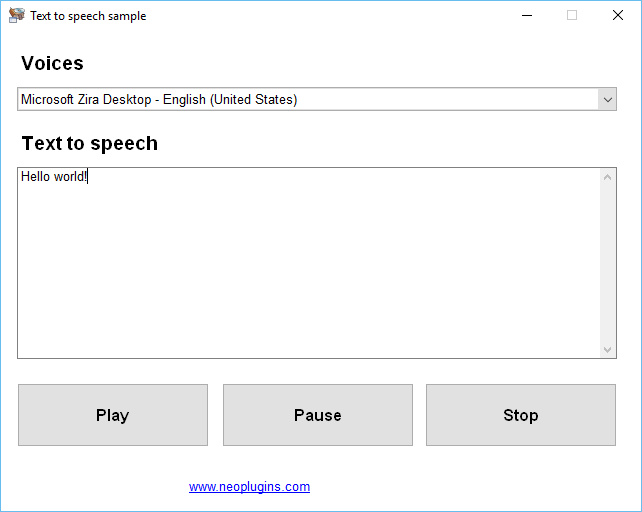
This plugin allow us to use the Microsoft SAPI from our applications and therefore reproduce text to speech. The plugin can retrieve the system available voices and allow us to reproduce text to speech using any of the available voices. Also the plugin inform us when the text to speech starts and when the text to speech ends using their provided events/subroutines.
Press here to get more information and download the NeoPlugin npSapi!
Hello to all,
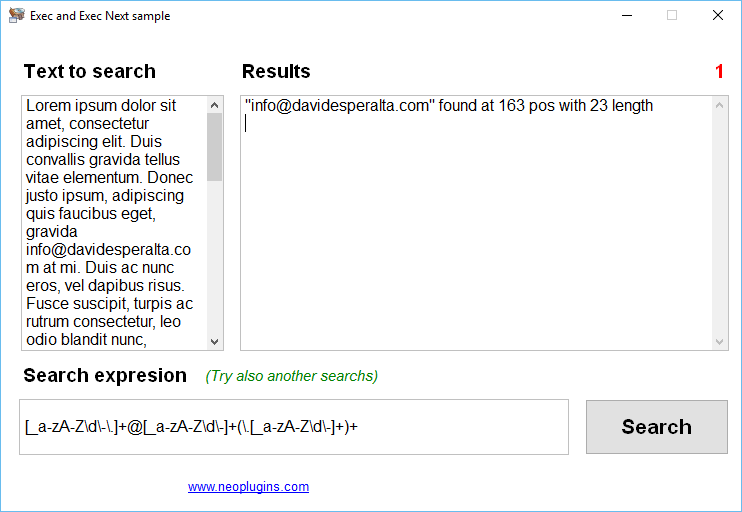
This plugin allow you to use one or more regular expresion objects in order to search and replace text using regular expresions on your publications. The plugin provide also some globals actions to search, split, replace text using regular expresions and more.
These global actions not need the interaction of a previosly created Rexp object instance. But creating this you can get all the power of the regular expresions search and replace. The plugin allow you to modify the r.e. engine behaviour, get and set r.e. modifiers, use all kind of metachars, etc.
The plugin provide various samples, and an introduction to the regular expresions syntax. The regular expresions appear to be difficult to the novices, but since you get the trick, you have on your hands a very potential search and replace text tool. So it's time to learn!
Press here to get more information and download the NeoPlugin npRexp!
Hello to all,
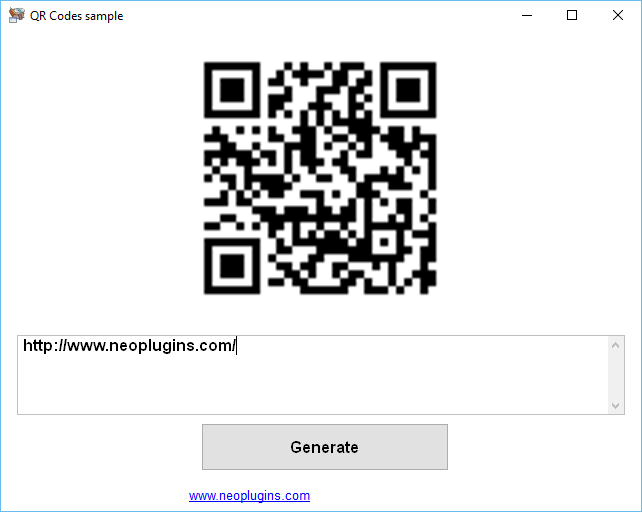
This plugin allows you to generate QR Codes (PNG and Bitmaps images) from your publications, specifiying various options like the image dot size, margin, background and foreground colors, error correction level, etc. The plugin allows you to generate QR codes from plain text and of course can use this text to format the appropiate information to generate special QR Codes for emails, SMS, VCard, geolocation points, etc.
Press here to get more information and download the NeoPlugin npQrco!
Hello to all,
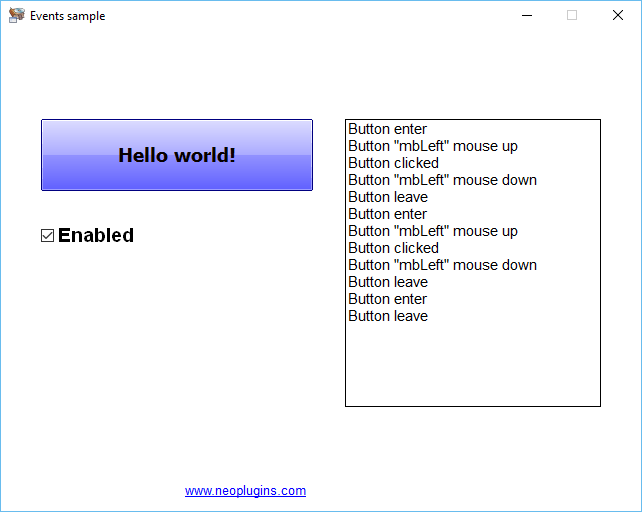
This plugin put at your service the possibility to use advance buttons controls on your publications, who can be customized in several ways, using various gradients colors and styles, borders bevels, glyps images, wallpapers images and events. Every button have default options and four states options: normal, hot, down and disabled states options. Like others Neoplugins™, you can use one or more Push objects (buttons) on your publications, customizing it separatelly, with shareable publication subroutines/events.
Press here to get more information and download the NeoPlugin npPush!
Hello to all,
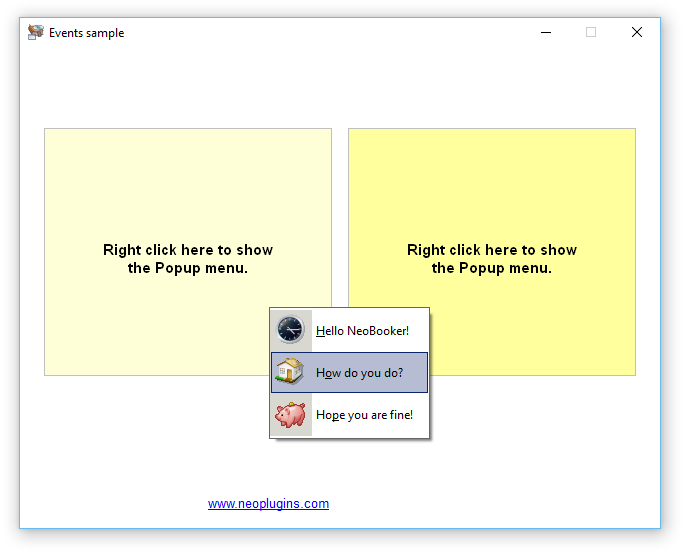
This VisualNeo™ plugin allows you to create one or more Popup Menu objects in order to be shows when you need in whatever part of your publication. You can add the items and subitems that you wanted and these can have associated Bitmap images. You can prepare a Popup Menu with a couple of actions and various Popup Menu in the same publication. The appropiate subroutine are executed when a Menu item is clicked and you can get information about what Popup Menu and item are selected by the user.
Press here to get more information and download the NeoPlugin npPops!
Hello to all,
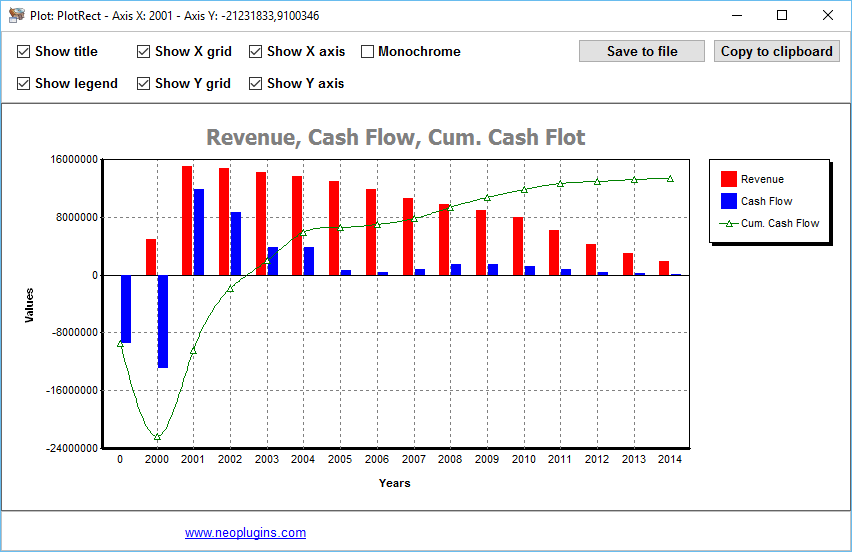
This plugin allow you to show plots or charts on your publications. If you want an easy way to show a plot to your publications users then npPlot plugin is for you. The plot offer to you three graph styles: lines, smooth lines with B-Splines, and bars. You can manage more than one plot at a time. It has multilined title, legend, automatic y-axis, and supports multiple series, and more. It also can produce a monochrome version of the graph using monochromatic brushes. And allow you to control the plot with their provided mouse up, mouse down and mouse move complete events.
Press here to get more information and download the NeoPlugin npPlot!
Hello to all,
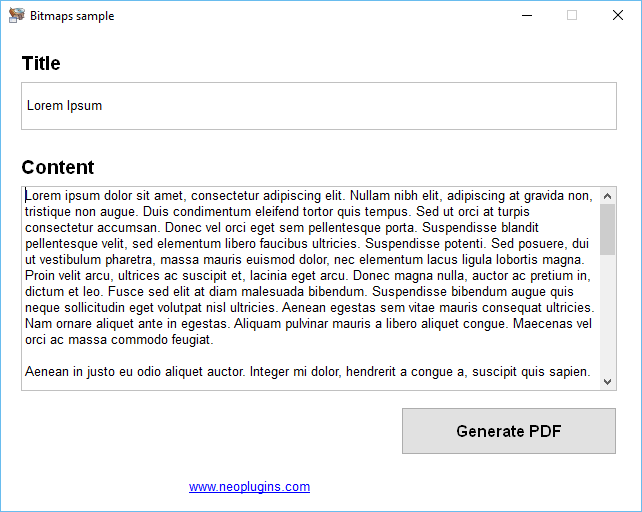
This plugin allow you to create your own PDF files in an easy way and without the need of any thirdty files. You can add text, columns, rows, headers, footers, bitmaps and more into your own customized PDF files. You can instantiate more than one Pdf object and begin to add headers, titles, text, images, columns, footer, etc. Also the plugin provide actions to add new lines and pages, print one or more pages, etc., and finaly can save the PDF file.
Press here to get more information and download the NeoPlugin npPdfs!
Hello to all,
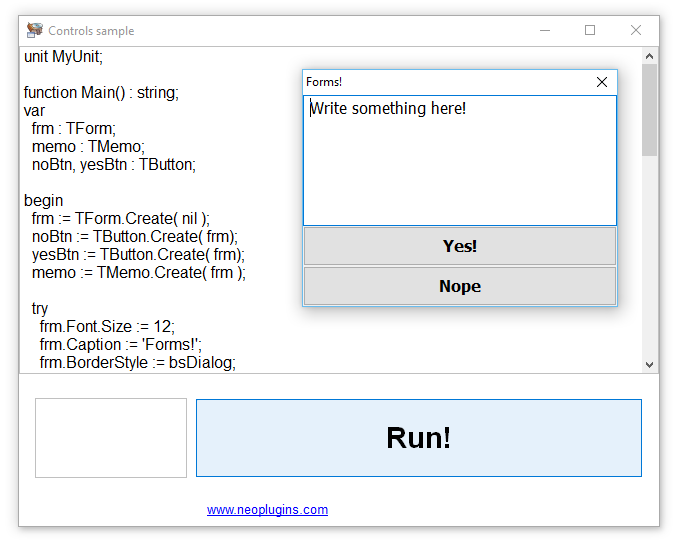
This plugin put on your publication a very complete Pascal language interpreter. You can use it (for example) to automate changes on your publications without need to recompile. The interpreter prebuild dozens of Classes, Functions, and more stuff.
Take a look at the interpreter prebuild stuff and get freeze. But not only you can use this complete prebuild stuff, also the Pascal source code can interact with VisualNeo™ and viceversa. You can call VisualNeo™ subroutines, get and set VisualNeo™ variables and more.
The interpreter know a dialect of Pascal language and add some Delphi related stuff too. You can play with Pascal units "on the fly", can use variables, constants from others units or from your main unit. Finally, with a little of Pascal/Delphi knowledge now is possible to use this powerfull language and lot of their resources from your VisualNeo™ publications.
Press here to get more information and download the NeoPlugin npPasc!
Hello to all,
The npOsds plugin allow you to show On Screen Display messages from your publications. Not only one message, but you can show lot of them, and control everyone separatelly. You can set every message font, color, text alignment, position, location, timeout, etc. A common example of use for a plugin like this as the volume information in some media players: this appear at the top of every Windows™, like a progress bar, using this kind of On Screen Display messages.
Press here to get more information and download the NeoPlugin npOsds!
Hello to all,
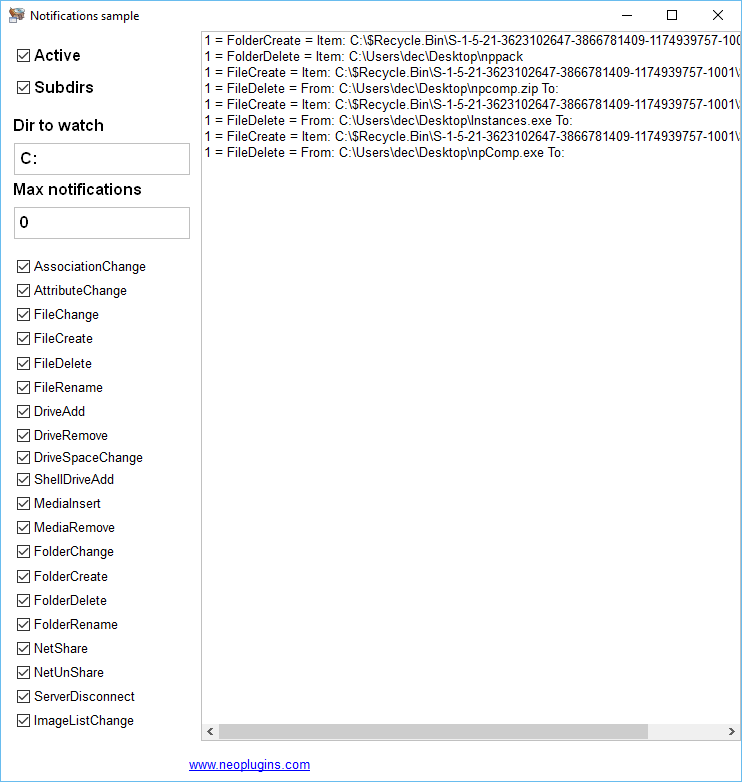
This plugin monitors shell changes and notifies your publication. This include files and folders being modified, created, renamed, or deleted, drives being added or removed, media being inserted or removed from removable media drives, and more. You can create one or more object instances. You can active and deactive every instance separatelly, specify the folder to watch, watch subfolders, specify a maximum numbers of notifications and have dozens of shareable events/subroutines.
Press here to get more information and download the NeoPlugin npNots!
Hello to all,
With this plugin you can make communications between your publications. Some publications can be senders and another can be receiver, so you can make call (and obtain replies) and send string from sender publications to receivers publications in an easy way.
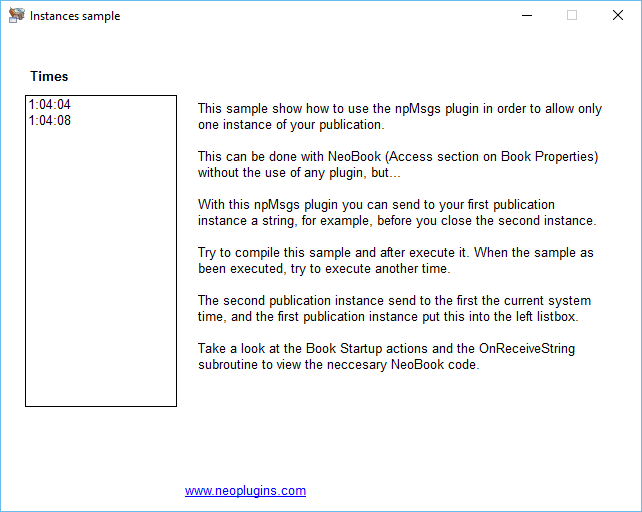
In fact the same publication can act as sender and as receiver, see the Instances sample. But more generally you can establish a publication or more as senders and one or more publications as receivers. From senders you can send strings and make calls, and from receivers you can receive strings sended and maked calls.
Also is possible to establish group of receivers, in other words, you can send strings or make calls only for a specific group of receivers and no others receivers. All of this in an easy way, as you can see in the samples included by this plugin installation.
Press here to get more information and download the NeoPlugin npMsgs!
Hello to all,
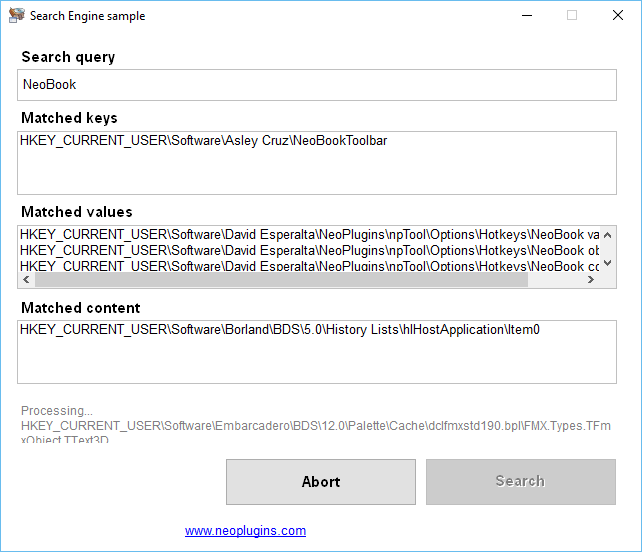
This plugin allows you to search for text under the Windows™ Registry looking for keys, values and also text values contents. The plugin report all processed keys, matched keys, matched values and matches content values. The plugin allows you to search in two diferents ways: automagically in one or more root keys or in a more accurate way. The plugin offer you the appropiate events which are fired when process keys, match keys, values, etc.
Press here to get more information and download the NeoPlugin npMine!
Hello to all,
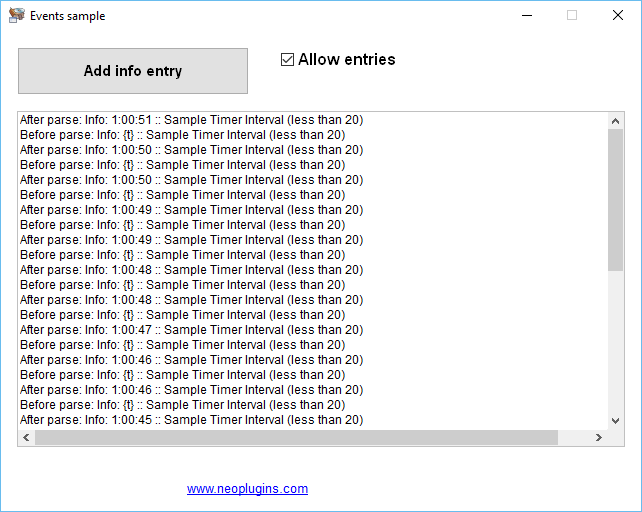
This plugin allow you to deal with one or more log files from your publications. Specify the log file path or use the default log file in order to add entries: info, error, warning, etc. Use the various inline templates in order to enhance the log file. You can instantiate various log files objects, so can work with various logs files at the same time. The plugin have certain events in order to control the entries which can be added to the log file. Easy to use but useful for debug purpose, for example.
Press here to get more information and download the NeoPlugin npLogs!
Everybody can read the DecSoft support forum for learning purposes, however only DecSoft customers can post new threads. Purchase one or more licenses of some DecSoft products in order to give this and other benefits.
 Posts by DecSoft
  Design for small screen devices but deploy also (without changes) in larger devices like tablets.
  Compile, convert your modern HTML apps and games into Microsoft Windows executable programs without dependencies.
  DecSoft NeoPlugins are available in both runtime and designtime flavours to keep your apps as small as possible.
  Take a look at our YouTube channel and subscribe to be notified about new videos!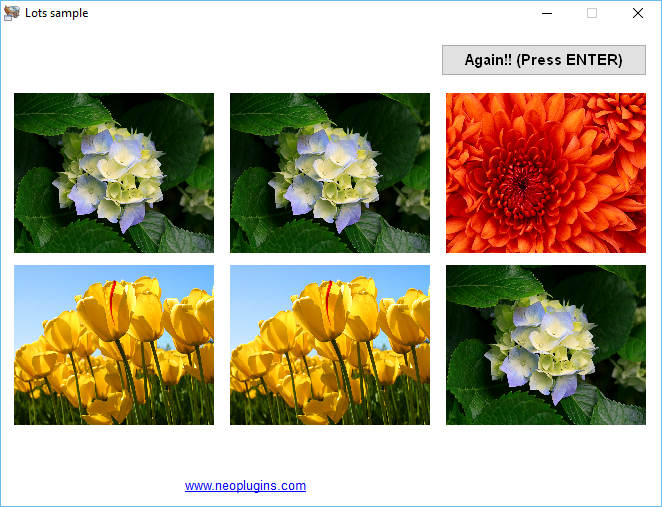
 DecSoft Feeds